



Requirements
- To Perform All The Labs that i am doing so You would have the actual understanding of How It Works.
- A Computer With at least 16 GB Of RAM
- Anyone that want to put at least 6 Hours of their Life to learn, enhance and sharpen there Network Skills.
Description
About This Class ( My Entire Course is 100% HANDS ON)
This course is mainly for anyone who wants to Master Windows 11 inside out as an IT Person For Beginners or Advancers in The Field.
Why This Class
This Short Course Will be the same as You worked as a PC Technician/Desktop Support For A Small Business For at Least 2 Years. My Entire Class is 100% Labs Hands On Experience.
What Will You Gain From This Class
In This Course you will not just learn you will actually do it yourself as if you were in an actual company and here are the key topics that you will gain from this class.
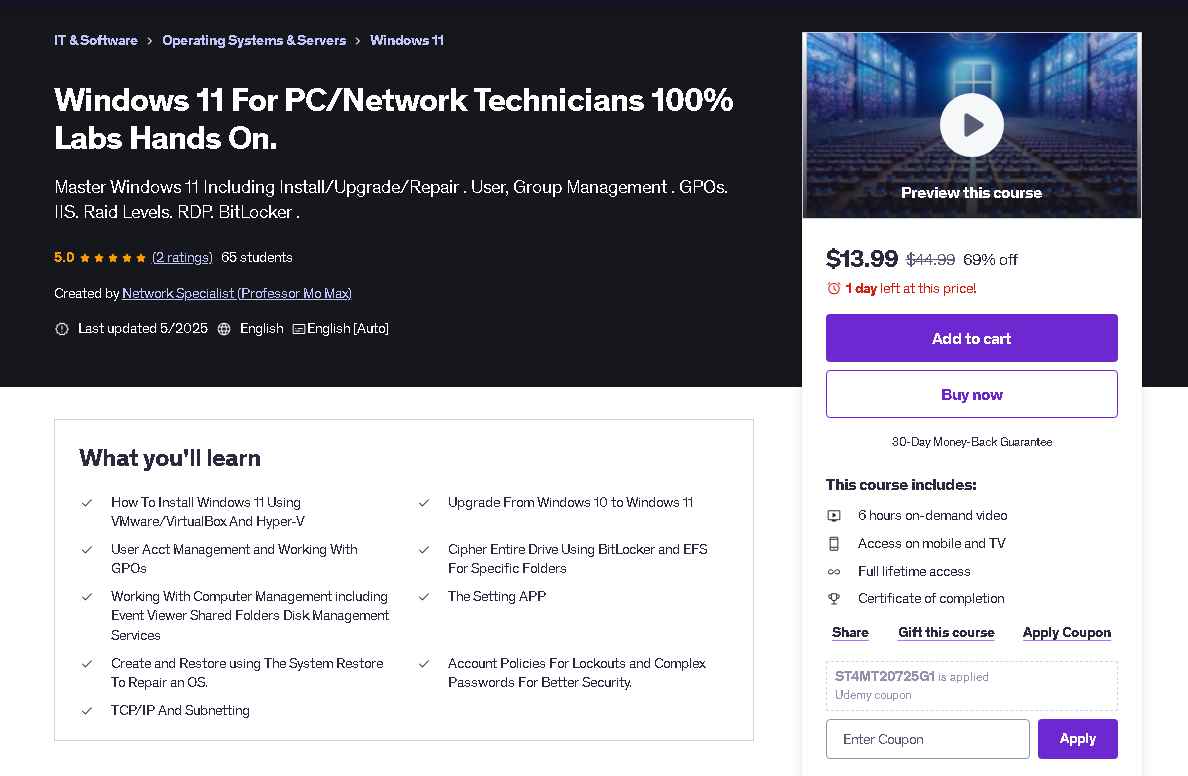
1. Install Windows 11 Using VMware Player, Virtual Box And Hyper-V
2. Upgrade From Windows 10 To Windows 11
3. Managing User Accounts by Creating , Disabling and resetting passwords using the GUI And the CLI
4. Creating And Managing Group Membership using the CLI And The GUI
5. Configuring ACLs For Share and NTFS Permissions by Assigning Users in Groups and assigning The proper Rights for each Object and Auditing User activities
6. Configuring Password Policies, Account Lockouts and Audits
7. Ciphering Entire Drive using Bit Locker Drive Encryption and EFS For Specific Folders and Files
8. Locking Down Your Windows 11 System Using GPOs
9. Hardening Your Windows 11 System By Disabling Services and Installing The Latest Hot Fixes Patches and Updates
10. Configure Fault Tolerance and Performance For Your HD Using Different Raid Levels.
11. Maintain Your HD Using Disk Tools such as Check Disk, Disk Cleanup and System File Checker.
12. Working With RDP and Securing RDP By Changing Port # and Integrating IPSEC
13. Making Your Windows 11 System as A Web Server by Hosting a Web Site.
14. TCP/IP And Subnetting
Who is This Class For
1) Network /System Administrators.
2) IT Support Techs.
3) Help Desk Analyst.
4) Any One Who wants to get themselves in The IT Field.
Facts About The Course
Do I need any Work experience?
If You or Don't Work In The IT Field You Should Be Fine Taking This Course.
I Already Work In The IT Field Will I Benefit From This Course?
Working In The IT Field Doesn't Mean You Will Cover All Concepts Of Information Technology
Will I get a certificate of completion at the end?
Yes You Will.
This course is mainly for anyone who wants to Master Windows 11 inside out as an IT Person For Beginners or Advancers in The Field.
Why This Class
This Short Course Will be the same as You worked as a PC Technician/Desktop Support For A Small Business For at Least 2 Years. My Entire Class is 100% Labs Hands On Experience.
What Will You Gain From This Class
In This Course you will not just learn you will actually do it yourself as if you were in an actual company and here are the key topics that you will gain from this class.
1. Install Windows 11 Using VMware Player, Virtual Box And Hyper-V
2. Upgrade From Windows 10 To Windows 11
3. Managing User Accounts by Creating , Disabling and resetting passwords using the GUI And the CLI
4. Creating And Managing Group Membership using the CLI And The GUI
5. Configuring ACLs For Share and NTFS Permissions by Assigning Users in Groups and assigning The proper Rights for each Object and Auditing User activities
6. Configuring Password Policies, Account Lockouts and Audits
7. Ciphering Entire Drive using Bit Locker Drive Encryption and EFS For Specific Folders and Files
8. Locking Down Your Windows 11 System Using GPOs
9. Hardening Your Windows 11 System By Disabling Services and Installing The Latest Hot Fixes Patches and Updates
10. Configure Fault Tolerance and Performance For Your HD Using Different Raid Levels.
11. Maintain Your HD Using Disk Tools such as Check Disk, Disk Cleanup and System File Checker.
12. Working With RDP and Securing RDP By Changing Port # and Integrating IPSEC
13. Making Your Windows 11 System as A Web Server by Hosting a Web Site.
14. TCP/IP And Subnetting
Who is This Class For
1) Network /System Administrators.
2) IT Support Techs.
3) Help Desk Analyst.
4) Any One Who wants to get themselves in The IT Field.
Facts About The Course
Do I need any Work experience?
If You or Don't Work In The IT Field You Should Be Fine Taking This Course.
I Already Work In The IT Field Will I Benefit From This Course?
Working In The IT Field Doesn't Mean You Will Cover All Concepts Of Information Technology
Will I get a certificate of completion at the end?
Yes You Will.
Who this course is for:
- Tech Support
- Help Desk Tech
- IT Support Specialist
- System and Network Engineers
- Any One who wants to enter the IT Field
- To Feel Confidence About Your IT Skills.
- To Enter The IT Field With Real World Experience
